You're a VFX or 3D artist who hasn't felt real flow since the software took over. Every new pipeline is weeks of relearning before the work feels like yours again.
An AI-ready second brain for visual thinkers. Explore wide. Master deep. Stay in flow.
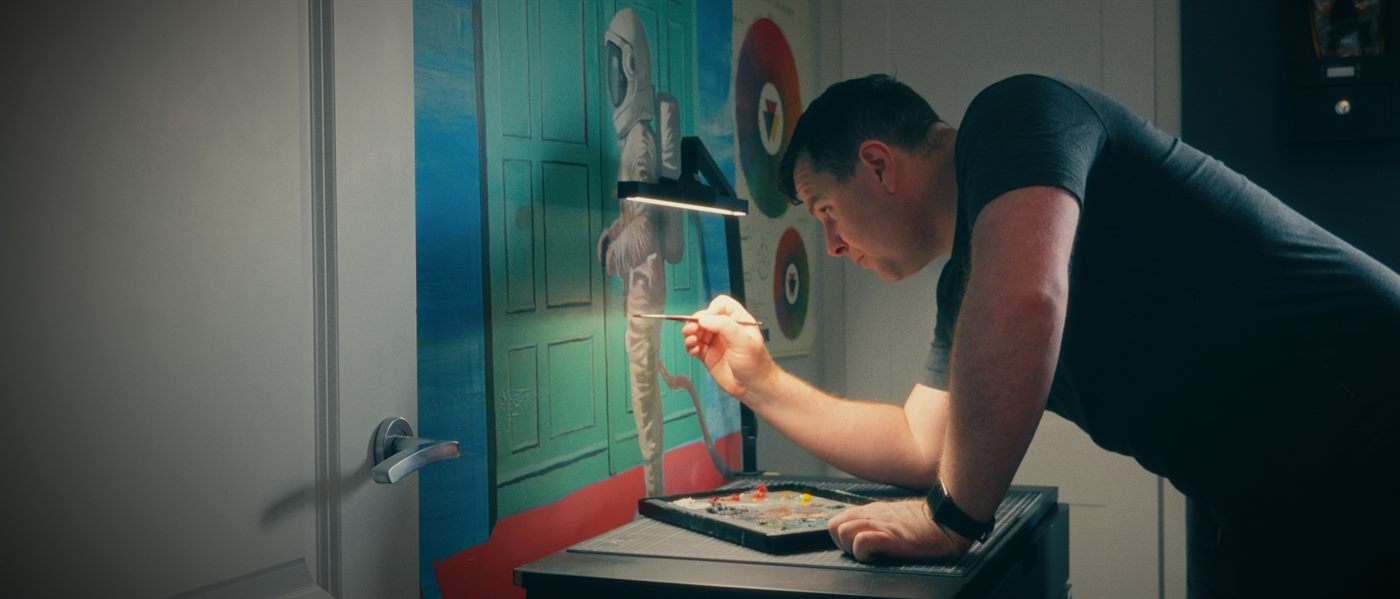
You're a VFX or 3D artist who hasn't felt real flow since the software took over. Every new pipeline is weeks of relearning before the work feels like yours again.
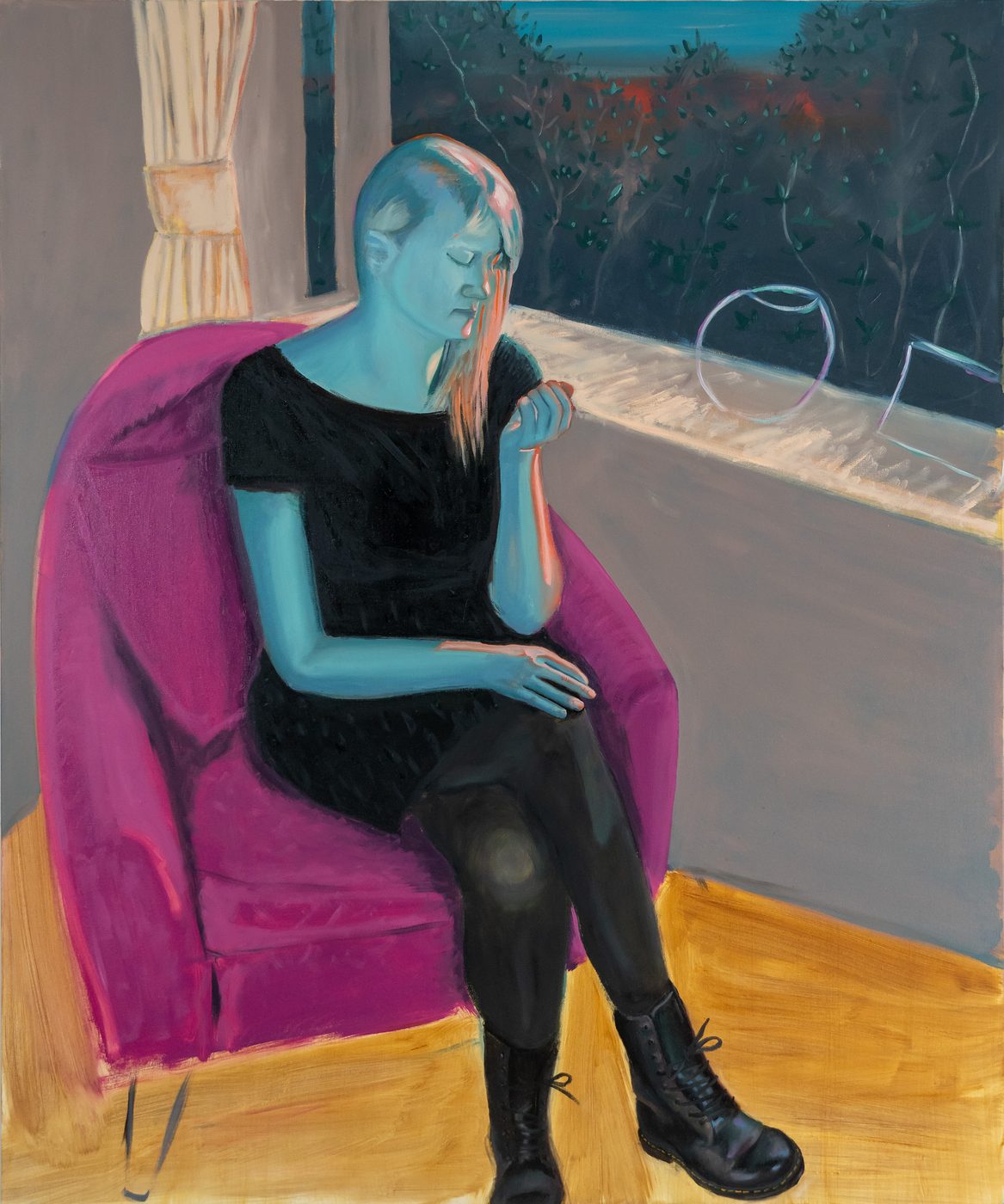
You're a multi-disciplinary creative — painter, filmmaker, designer — with ideas everywhere and no system that holds them. You create constantly but have nothing to show for the thinking behind it.
You've tried every tool. Notion, Roam, raw Obsidian. You keep rebuilding the system instead of using it. You want a system that's already set up — not another blank canvas to configure.
If any of those landed — you're who Polymath OS was built for.
Three cohorts. One pain. Whether you're a VFX senior between contracts, an independent creative juggling projects, or a systems-minded worker who keeps rebuilding from scratch — the problem isn't knowledge loss. It's flow disruption. Every tool switch, software change, contract end, or system rebuild interrupts the conditions that make real creative work possible. Polymath OS exists to hold the context so you don't have to.
Ten years in. Fifteen. You've solved problems that would stump most people in your field. You've built pipelines, developed techniques, made breakthroughs nobody asked you to document.
And then — a new job, a new tool, a blank page. You start over from scratch. Not because you forgot — but because nothing held the context, so every restart pulled you out of flow before you could find it again.
You spend more time optimising your system than using it. A second brain that needs a PhD to maintain isn't a brain — it's a cage built from good intentions.
Every system assumes you have three hours, a clear head, and nothing else on. Real creative work happens in fragments. Your tools don't understand that.
You save everything. Bookmarks, screenshots, voice notes. A graveyard of good intentions. Nothing talks to anything. None of it compounds.
Notion for projects. Trello for Kanban. OneNote for notes. PureRef for references. A folder from 2017. Each tool adds friction. Each migration loses something.
You know AI could help. Every prompt comes back generic because the model has no idea who you are or what you've built. Connect any LLM to your Polymath OS vault and it finally has the context to answer like someone who knows your craft.
Polymath OS is a ready-to-use Obsidian vault for visual creatives — it captures what you learn, connects it across disciplines, and keeps you in flow. It ships pre-built, so you spend your first hour thinking, not configuring.
One-place capture for everything inbound. Web clipper drops YouTube, podcasts, articles, screenshots straight into the vault with thumbnails and source URLs. Visual gallery view. Three-state flow: Captured → Processing → Done. Never lose a reference again.
Books · Movies · Podcasts · Tutorials · YouTube. Visual galleries with covers, status, ratings, queues. Track what you're consuming, reading, watching across a career.
Sobriety streak, weight over time, habits & mood, training & activity, steps & calories, caffeine, goals, motivation. Your physical life on one page.
Daily · Weekly · Monthly · Quarterly · Yearly journaling. Reflection across timescales, not just today.
Production-pipeline status (RTS / WIP / HLD / CMP / ARC), version control, asset thinking. Native to VFX, animation, and design pipelines.
Drag references, sketches, frames into spatial groups. The way visual thinkers actually plan.
Fleeting → Literature → Permanent. Atomic notes that link and compound.
High-level views into deep terrain. Find the thread, follow the trail.
Long-arc objectives tied to daily rhythm. No streaks, no theatre.
Seven pages you'll live in. Every dashboard below is a real screen from the vault — not a marketing render.
Active projects, quick capture and every dashboard one click away. The page you open first and return to between every task.
Web clipper drops YouTube videos, podcasts, articles and screenshots into a visual gallery with thumbnails and source URLs. Three states: Captured → Processing → Done. Process when your brain's ready — not before.
Reading · To Read · Read. Cover grid plus the full searchable table — every book linked to the literature notes you actually wrote. The library you'd build if you had a free month and a librarian.
Watching and Queue with posters, status and ratings. Same model as Books, different medium. Track what you're consuming across a career — not just what's open this week.
Sobriety streak, weight over time, habits, mood, training and steps. Your physical life on one page. Honest, quiet, no streak guilt.
Weekly, Monthly, Quarterly, Yearly reviews. Weight, enjoyment, location, tags — searchable years later. A scrollable timeline of your life and work, not journaling theatre.
The page you open first, every morning. Habits, mood, focus, sessions, project log, family check-in — one note, every day. Years of life, searchable. Shown in light mode here; dark mode ships too.
The craft was never the hard part — keeping up with the tools is. New software every year. A hundred half-watched tutorials. Notes scattered across apps you've forgotten you own. Every course you start, you rebuild your note system from scratch — and the relearning pulls you out of flow before the work begins.
Your whole learning life on one page — what's active, what's done, how far to mastery. Every tutorial sorted by tool and discipline. See where your hours actually go.
Courses in progress as a visual gallery — drag through in-progress, complete, returned-to. Completion curves show real momentum, not just intent.
Polymath OS turns learning into a system. Every tutorial — YouTube or paid — gets the same one-click template: key shortcuts, top takeaways, the timestamp you'll want again. Track everything you're learning across every tool. See your progress at a glance. Move courses through in-progress, complete, returned-to.
Watch your skills compound instead of evaporate.
This is the answer to the flow drought. Software churn stops pulling you under when the learning finally has somewhere to live.
Ready to stop rebuilding your system?
Get early accessVisual canvas on the iPad on the couch. Quick capture from the phone on a walk. The full vault on the studio machine on Monday morning. Same files, same notes, no friction.
PRISM is how knowledge moves through Polymath OS — from a fleeting spark to finished work. Pursue ideas, record them before they fade, inspect what matters, synthesise across disciplines, manifest the result. One continuous loop, built around how creative professionals actually think.
Follow curiosity. Wander far.
Capture before it fades. No friction.
Evaluate what matters. Discard the rest.
Combine across contexts. Make new things.
Turn it into visible work. Ship it.
Three stages. One direction. Always compounding.
The Zettelkasten method · adapted for visual creative practice
The same instinct behind a digital garden — and the pocket notebook you've carried for years. Capture the spark before it fades, then let it grow into something connected and permanent.
Raw capture — the spark, before it fades. Like the pocket notebook you've always carried, but it never gets lost. No structure required, no judgement.
Processed from a source — a book, paper, video — translated into your own words. The first act of understanding.
Evergreen knowledge. Atomic, connected, written for your future self. The compounding asset.
A small, shared vocabulary that runs across notes, projects and dashboards. Five production states. Four priority markers. Same colour, same shape, everywhere they appear.
Most knowledge systems are too chaotic for AI to help — so it gives you generic answers. Polymath OS is built on consistent structure: every note, project and task follows the same conventions. So when you connect an LLM — Claude, ChatGPT, a local model — it doesn't need explaining. It reads your vault and immediately knows how your system works.
Ask it to log a journal entry, spin up a project, break a goal into tasks, or find the thread across six months of notes. It writes back in your system's own language — because the structure was there first.
The structure is the feature. The AI is the payoff. Ready when you want it, off until you do.
The pre-configured AI intelligence layer ships with the Polymath tier. But because your vault is plain structured markdown, you can point any LLM at it on any tier.
Ready to stay in flow?
Get early access
"I never got back the flow I had as a painter — because every day was a new tool to learn. So I built the system that gives it back."
I began as a visual artist — oil painting at NCAD, then an MFA in Media. My early work was an inquiry into how images acquire authority.
I felt limited by the static image. That curiosity sparked a decade-long exploration into VFX, CGI, and immersive media.
I taught myself these workflows from scratch. Senior 3D Artist on The Flash and Meg 2: The Trench. Animation series for Disney and many of Ireland's top studios.
Through that process I realised something. Visual creators — especially neurodivergent ones like myself — spend more energy managing fragmented software than actually creating.
Without a system to see my work at a glance, the technical process disconnects me from the emotional depth of the craft. Flow becomes unreachable.
That is why I founded The Polymath Journey — and built Polymath OS. To bridge the gap between the tactile, human nature of traditional art and the structured thinking of modern technology.
Polymath OS ships as a packaged Master Edition — vault, templates, system, decisions already made. Yours from day one.
Your tier is your journey. Specialist packs are profession-specific template sets — VFX/3D, Content Creator, Fine Art (coming soon), Writer (coming soon). Master picks one at install. Polymath gets all of them. Bundled into the tier price — never sold separately.
Polymath OS is in pre-launch. Join the waitlist and you'll be first in when it opens — with the founding price locked in. At launch, checkout runs through Gumroad: secure, handles EU VAT, instant download, free updates, and a 30-day no-questions refund.
Profession-specific template sets — VFX/3D, Content Creator, Fine Art (coming soon), Writer (coming soon). Master buyers pick one at install. Polymath buyers get all of them plus every future pack as it ships. Bundled into the tier price, never sold separately.
The answer to “I work in VFX, I only need the VFX bit” without fragmenting the product.
When it's honest. Polymath tier includes it the moment it's ready — opt-in and local-first. The core PRISM system, bases, projects and journaling work perfectly without AI ever touching them.
Some dashboards (movies, books) use free APIs to auto-pull cover art and metadata. You'll spend about 15 minutes during setup creating free accounts on OMDB and Google Books — both free for personal use, no credit card. The onboarding video series walks through it step by step.
If you'd rather skip the API setup, all bases also work manually — just add covers and details yourself.
No. The web clipper extension catches anything in your browser — YouTube videos, articles, podcasts, images — and drops it into your Inbox with the source URL and a thumbnail. You process it later, when your brain is ready. The whole point is that capture should never require focus.
Yes — Polymath OS is a vault that runs inside Obsidian. Obsidian itself is free for personal use on desktop and mobile, forever. You install Obsidian, drop the Polymath OS vault into it, and you're in. No accounts to make, no email gates.
Yes. The visual canvas, capture, daily notes, projects and bases all work on iOS, iPadOS, Android. Some heavier dashboards and plugins are nicest on desktop, but the core day-to-day — capture, read, link — is fully mobile.
Your call. Obsidian Sync is the easiest paid option (encrypted, $4–8/month from Obsidian). iCloud / Dropbox / OneDrive work for free if you already pay for storage. Syncthing works if you want zero cloud involvement. Polymath OS doesn't care which you pick — your files are just markdown.
Both, in stages. If you've never opened Obsidian, the install guide and the Hub give you something working in fifteen minutes. If you've been deep in Obsidian for years, you can replace large parts of your existing setup — bases, project system, journal — without touching the rest. You go as deep as you want.
Yes. Anything in markdown drops straight in. Notion and Evernote both export to markdown — there are import guides for both. Old folder structures stay intact; you can fold them into the Polymath OS system as fast or slow as you like.
Nothing happens. Your vault is plain folders and markdown files on your own disk. There's no server to lose access to, no database that becomes unreadable. Open the folder in any text editor in 2045 and your notes are still there.
Visual-first creative professionals — VFX, animation, design, illustration, architecture — ten or more years into a career, with a lot of accumulated craft that has nowhere good to live. ADHD-friendly by design. Anti-productivity-theatre by design. If you want flashing badges and streaks, this is the wrong system.
Be first to know when Polymath OS launches — and lock in the founding price. A few short questions below help shape this around real workflows. No spam, just one note when it's ready.
Unsubscribe any time · Built in Dublin